The console
One place to see what happened, decide who may do what, and prove that the rules ran. Fourteen pages, each answering a question an operator actually asks. Every screenshot below is the real product.
Screenshots are from the running system. Names, addresses and key identifiers are pseudonymised; the traffic, the models and the numbers are real.
Observe
What happened, what it cost, and whether the estate underneath is healthy.
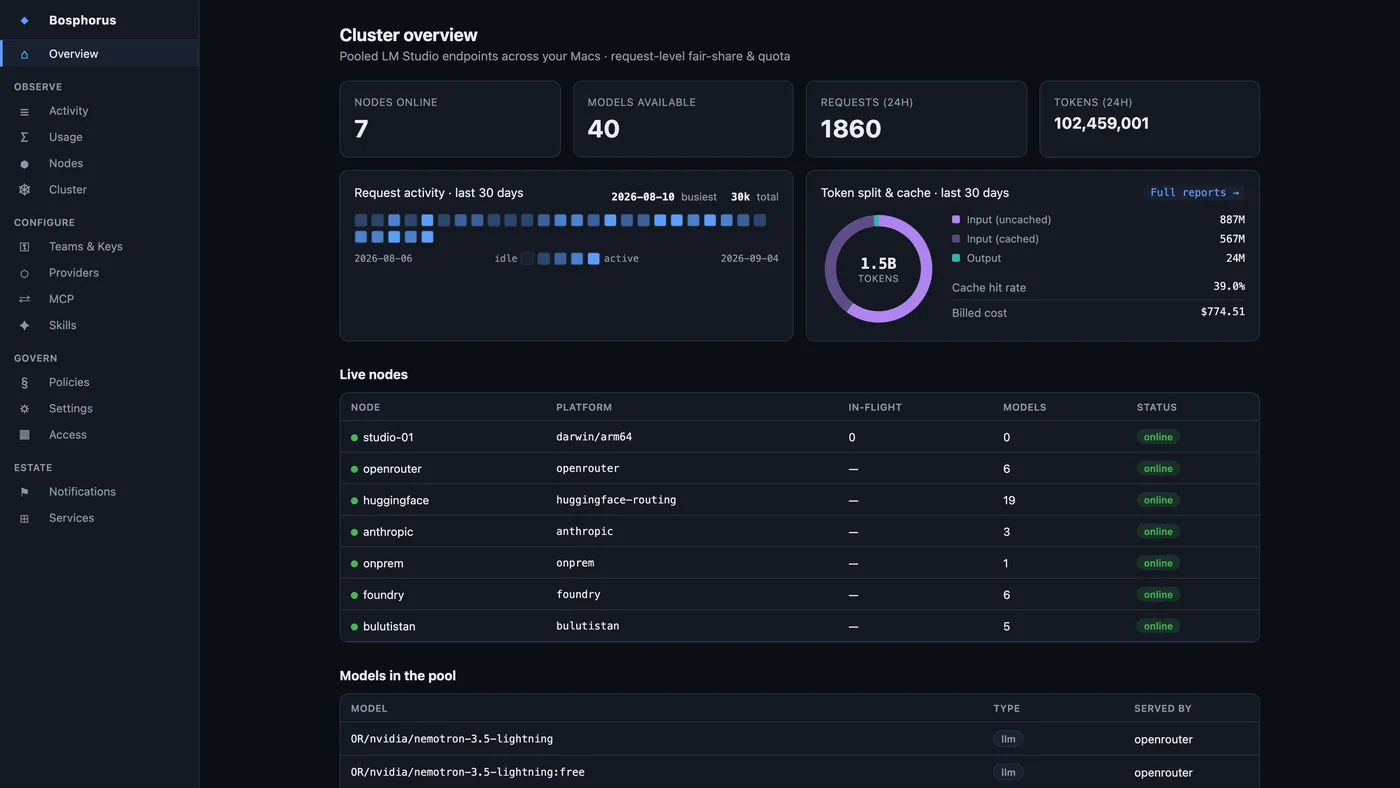
Overview
The landing view: live capacity, today's traffic, and the compact half of the usage charts. The first question an operator asks — is anything on fire — answered before any navigation.
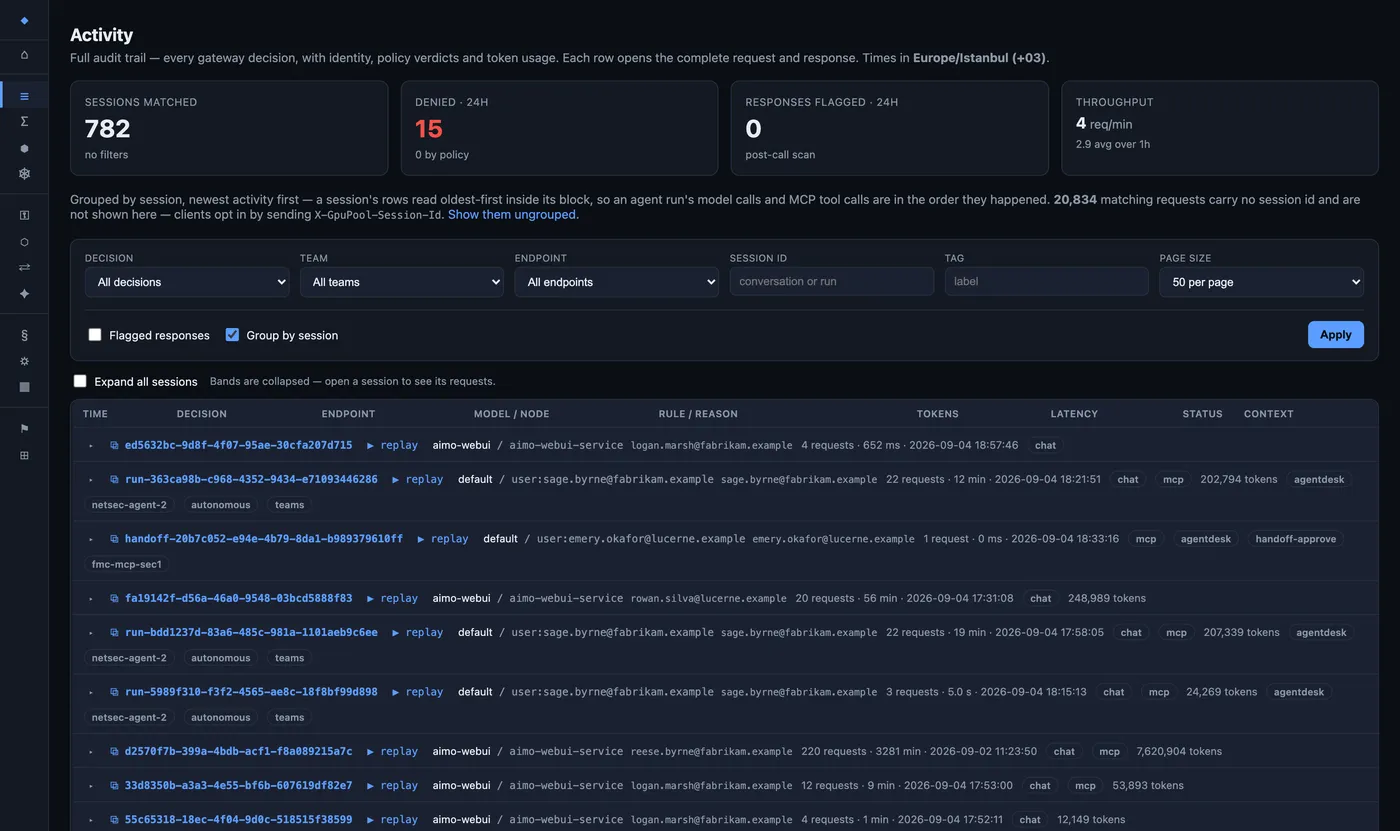
Activity
Every decision, one row each: who asked, which rule fired, how many tokens, which node served it, how long it took, what it cost. Filter by session, by tag, or by flagged response. Any request opens to the full prompt and the full answer.
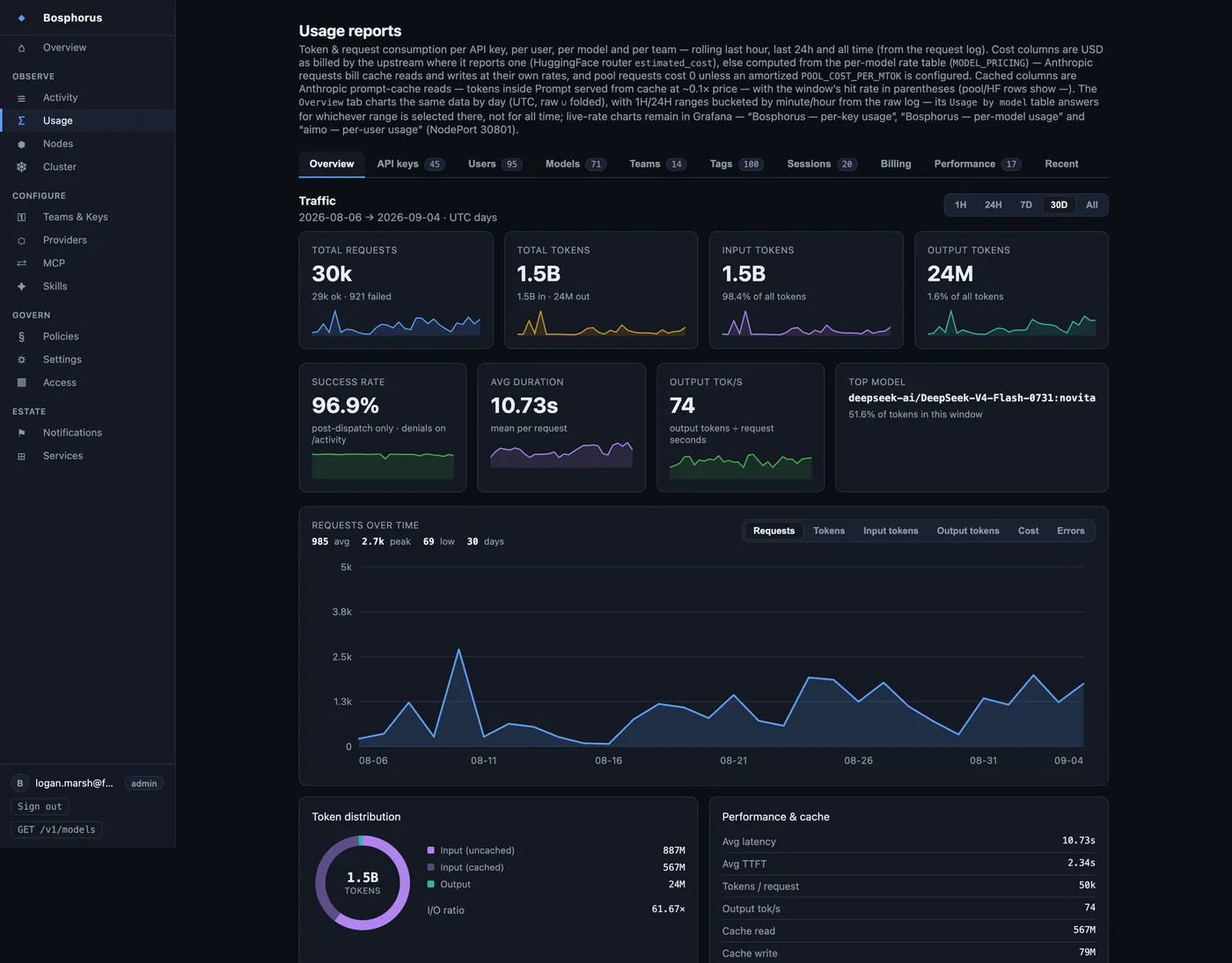
Usage
Ten tabs of chargeback: traffic and tokens over time, then the same spend broken down per key, per person, per model, per team, per tag and per session — plus provider billing by month and measured per-provider latency.
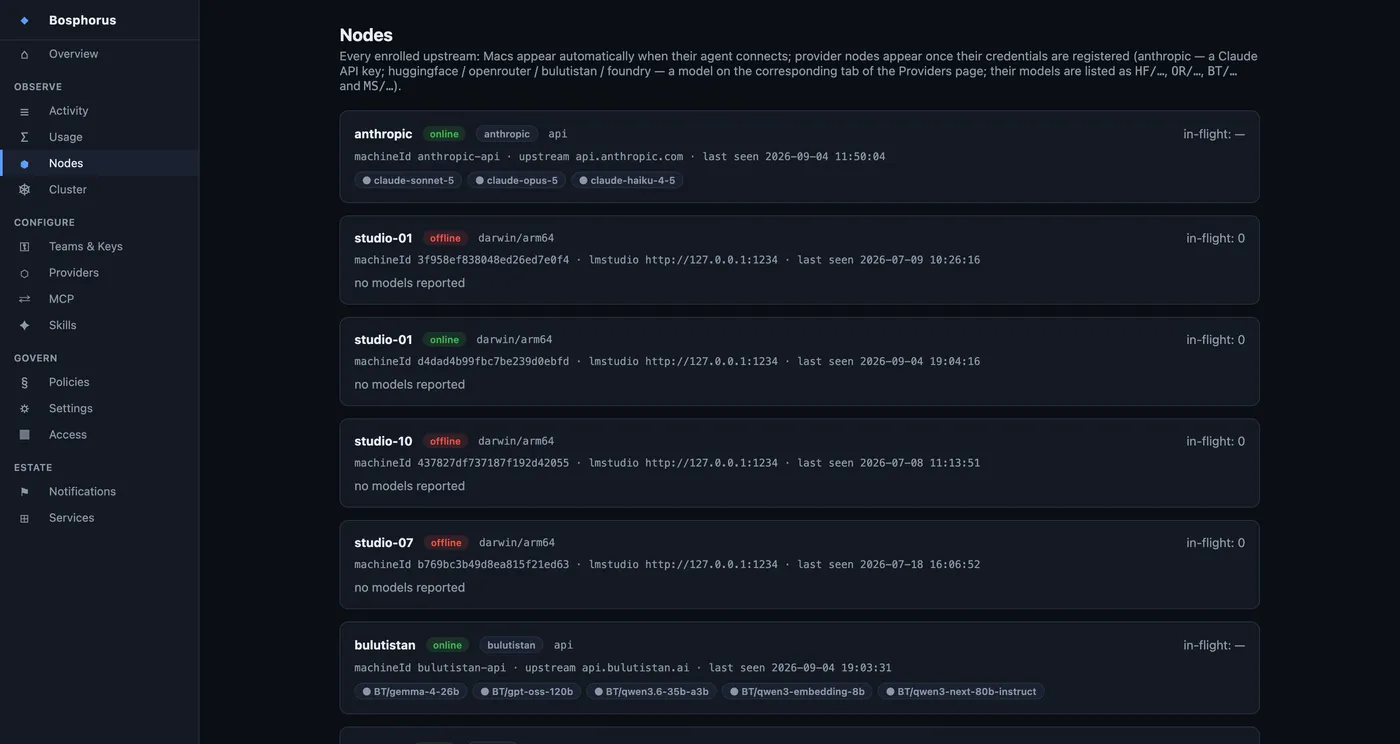
Nodes
The inference capacity you own: which machines are connected, which models each has loaded, how busy they are. A node self-enrols when its agent starts — there is nothing to register by hand.
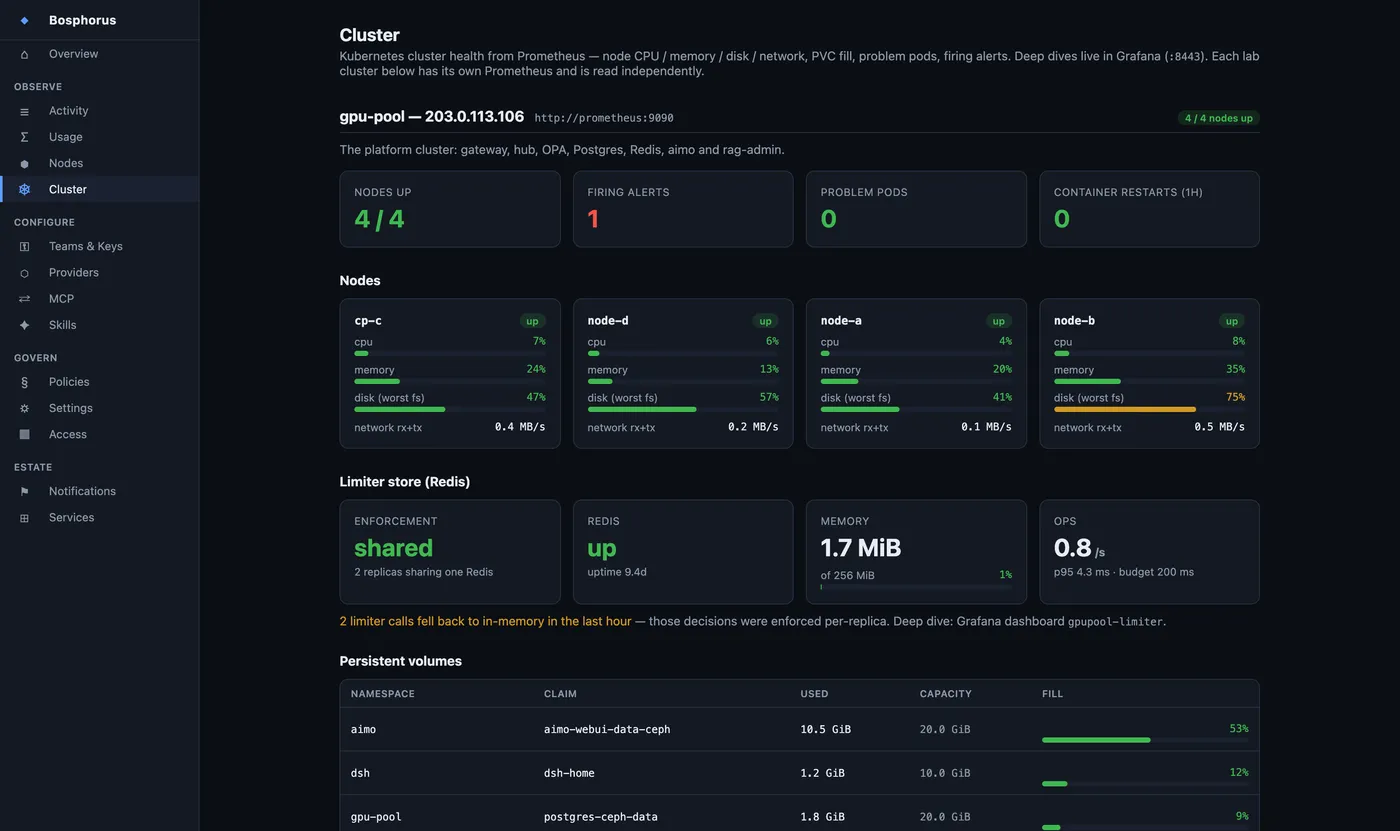
Cluster
Node CPU, memory, disk and network, volume fill, problem pods and firing alerts — for this cluster and any other you point it at. Day-two operations in the product, not in a services quote.
Configure
Who may use what, how much of it, and which models they see at all.
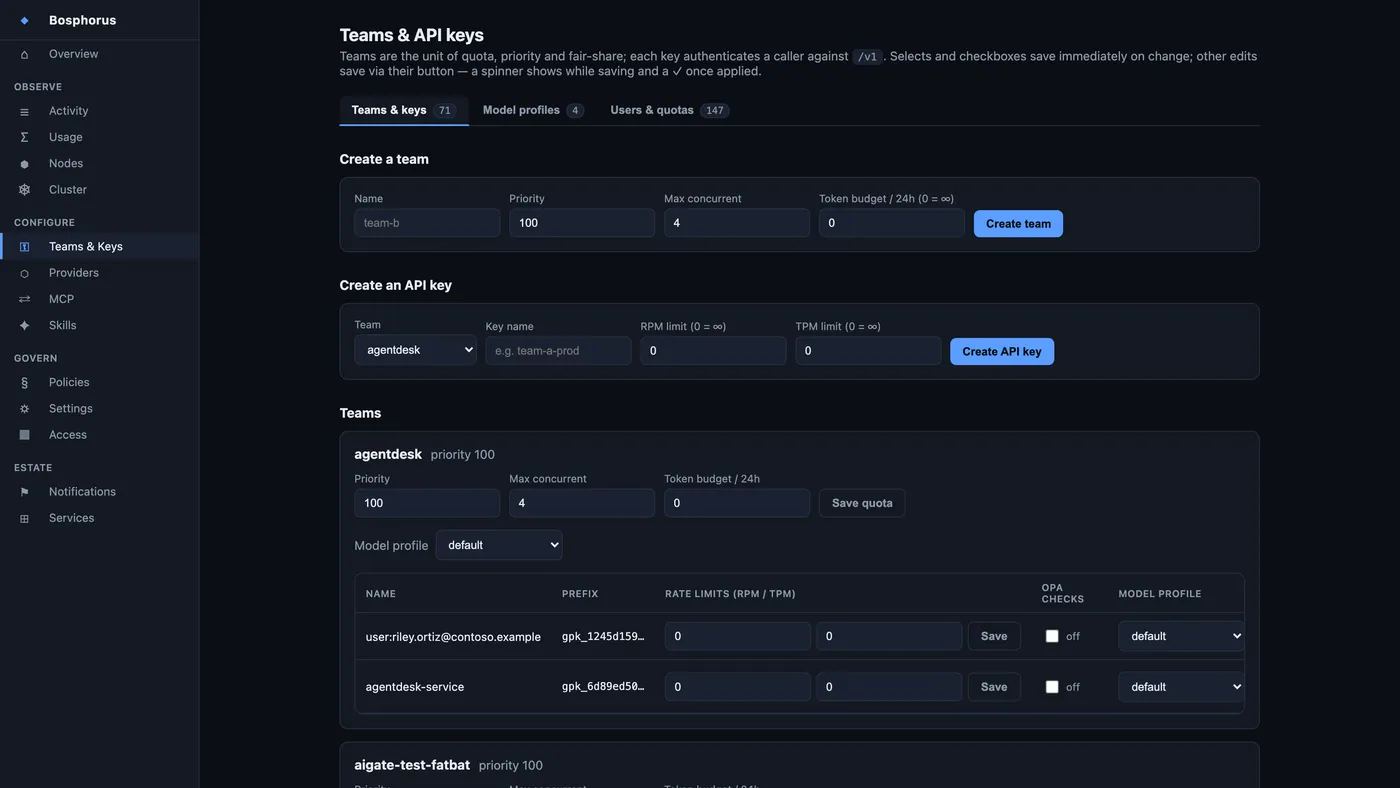
Teams & keys
Teams carry priority, concurrency and a token budget; keys carry request and token rates. Quota profiles set per-person limits behind a shared service key, and model profiles decide which models a team, a key or one person can reach at all.
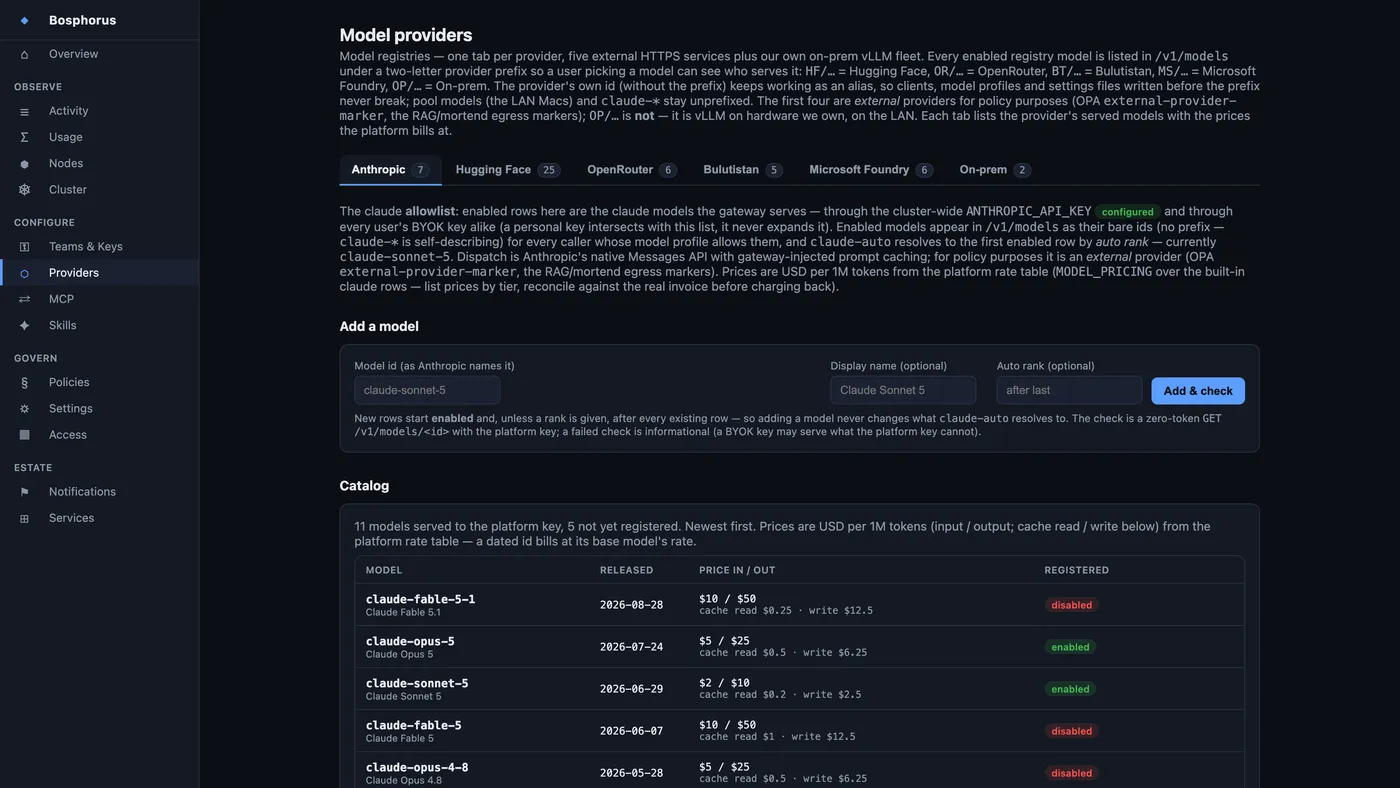
Providers
One tab per model source, each showing the provider's own catalogue with its published prices next to the rate you actually bill at. A model is served only after an administrator has added and checked it, so the menu is a deliberate list rather than whatever a vendor shipped this week.
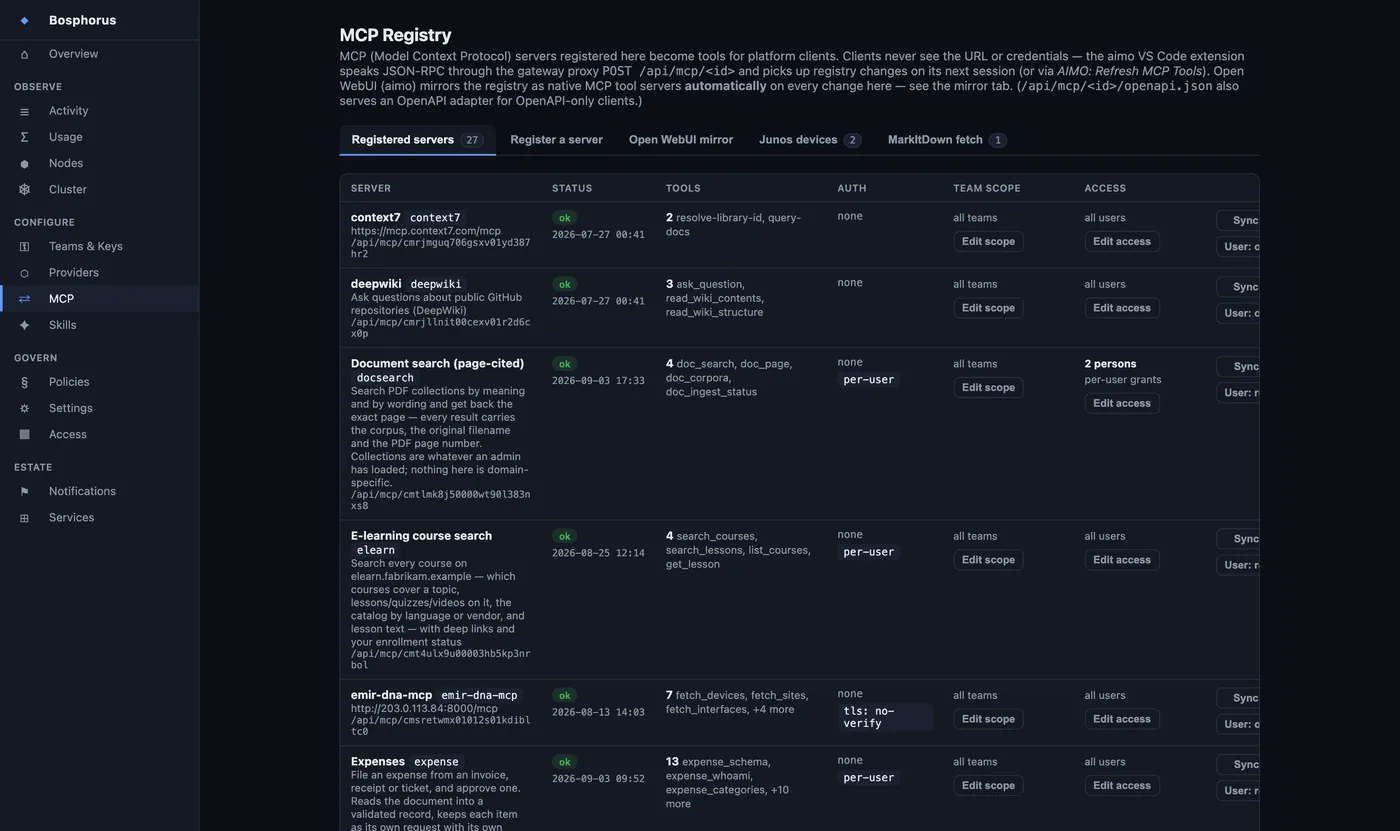
Tool servers
The registry of tools your agents can reach. Clients never see a server's address or its credential — the platform injects it. Scope a server to certain teams, require a resolved end user, or grant it person by person.
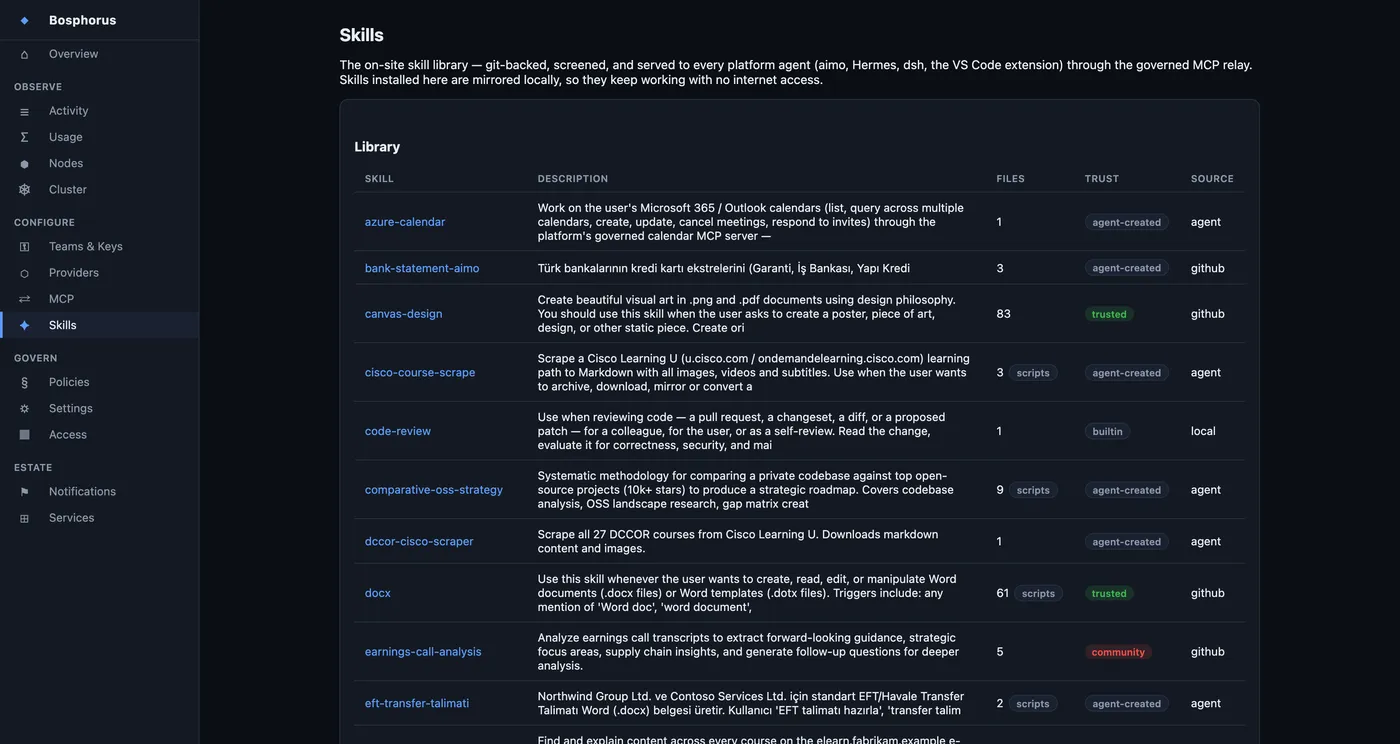
Skills
The shared library of agent instructions, versioned in git with per-person authorship. Write one once and every client on the platform can use it — the chat workspace, the agent workspace, the editor extension.
Govern
The rules, who they apply to, and the evidence that they ran.
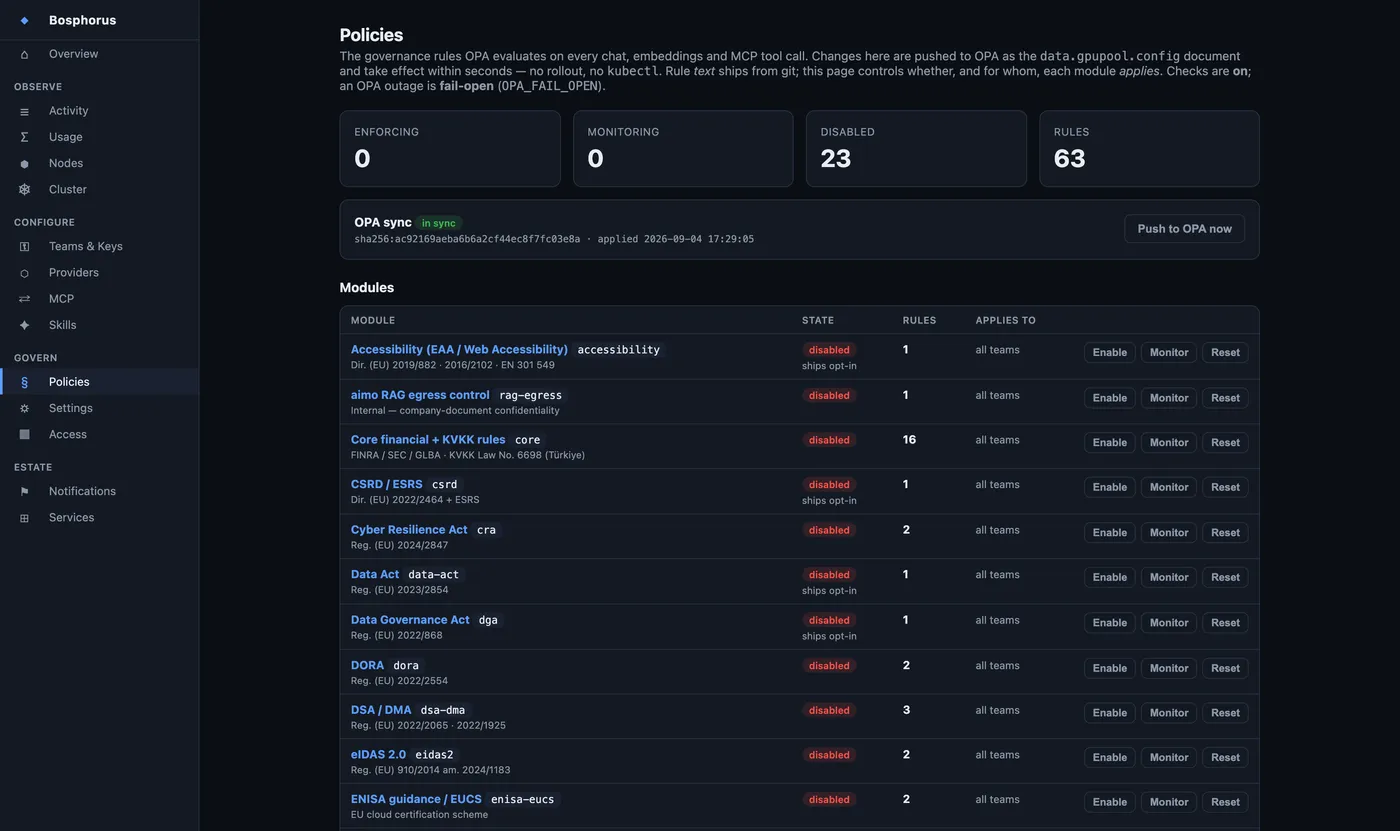
Policies
Every governance module with a switch: enforce, shadow, or off — and exemptions by person or by team. Upload your own rule and it is compiled and screened in a sandbox before it can ever see production traffic, then lands in shadow mode by default.
Three API dialects. One pipeline. No way around it.
The OpenAI API, the Anthropic Messages API and the Ollama API all run through the same chain: authentication, then content policy, then quota, then rate limit, then fair-share admission, then audit. The two extra dialects are protocol adapters that loop back onto the first. They are never a second pipeline — which is why bringing a tool inside governance costs a URL, not a migration.