The workspaces
A gateway nobody can use is a proxy. These are the four applications people actually open — the chat workspace, the agent workspace, document administration, and the learning platform — all on the same identity, the same policy and the same bill.
aimo
aimo — the chat workspace
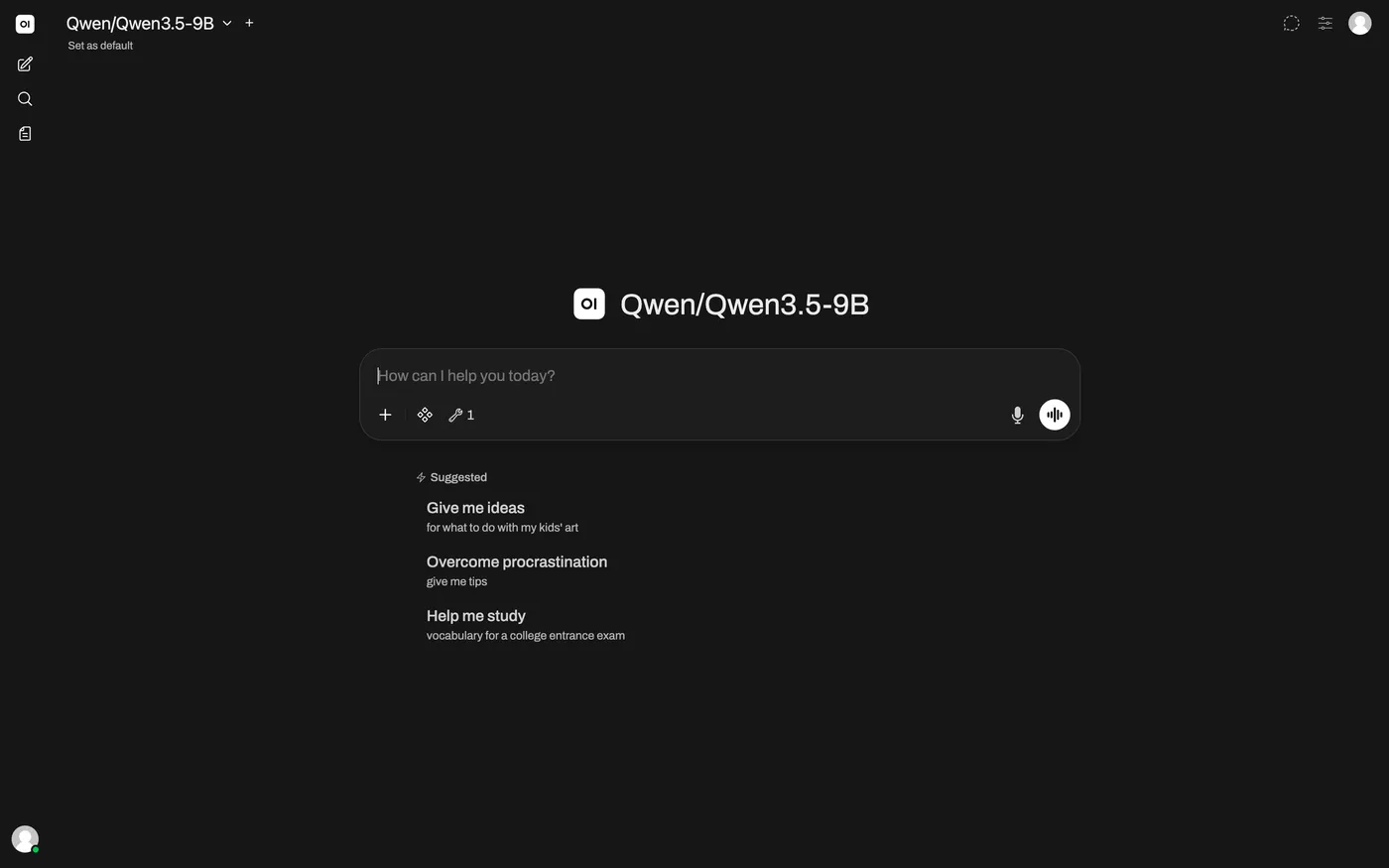
What most of the company actually touches. People sign in with the corporate account they already have and get every model they are permitted, their own documents, and their tools in one window.
- No person ever handles an API key. Joiners get access with their account; leavers lose it when IT disables that account.
- Company documents are searchable in chat, and a dedicated rule stops that retrieved context from reaching any external provider.
- A blocked message returns the rule and the regulation — and the conversation carries on rather than dying.
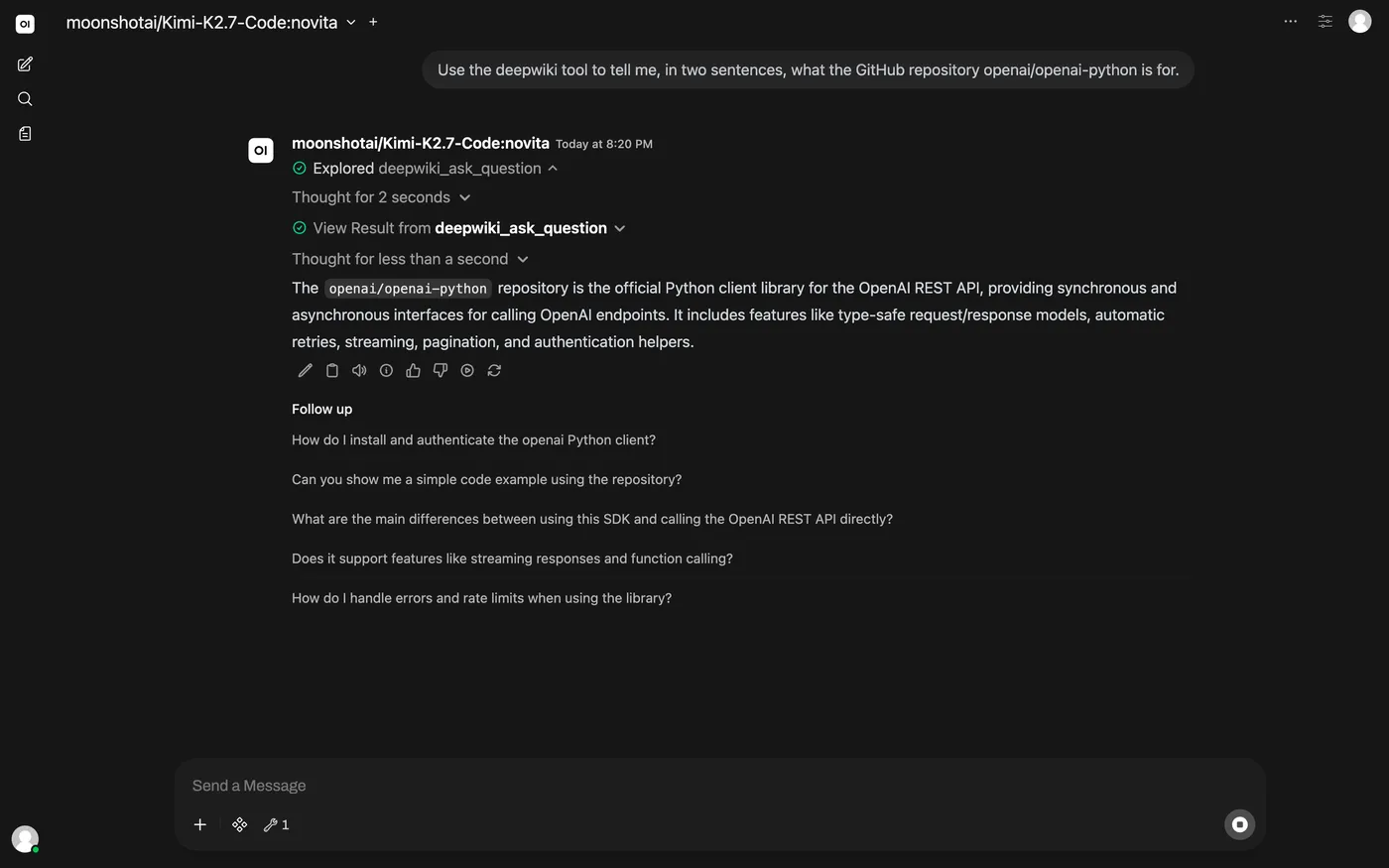
- Registered tool servers appear as tools in the chat, with the credential injected server-side so the client never sees it.
agentdesk
agentdesk — agents people build themselves
Where someone who is not a developer assembles an agent, gives it exactly the tools they mean to, and lets it run — on a schedule, from a chat message, or from a support ticket.
- Ticking a tool is the approval. A scheduled run at 03:00 has nobody to ask, so an off-list call is refused and the refusal goes back to the model as a result it must handle.
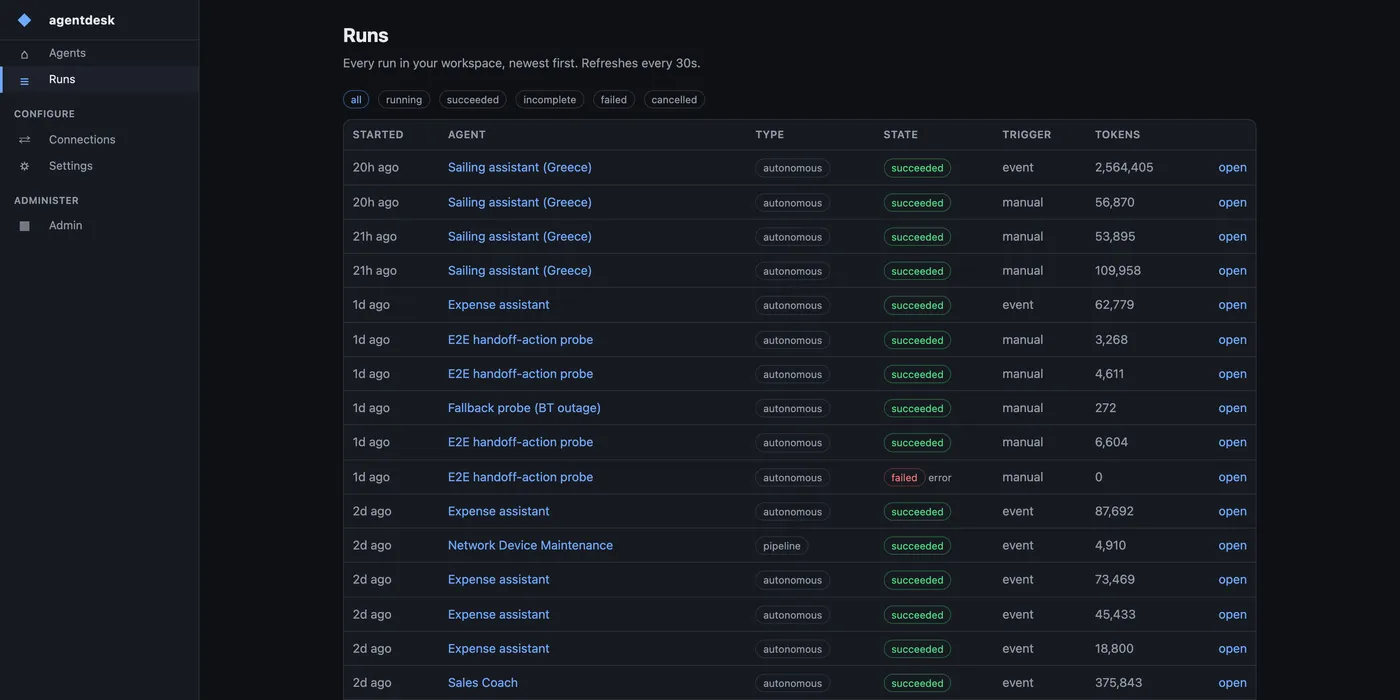
- Every run is a real request through the same gateway, under the builder's own identity — so it lands in the same audit trail and the same bill as everything else.
- Agents can hand work to a colleague and wait for the answer, or to another agent, bounded so an agent chain cannot run away.
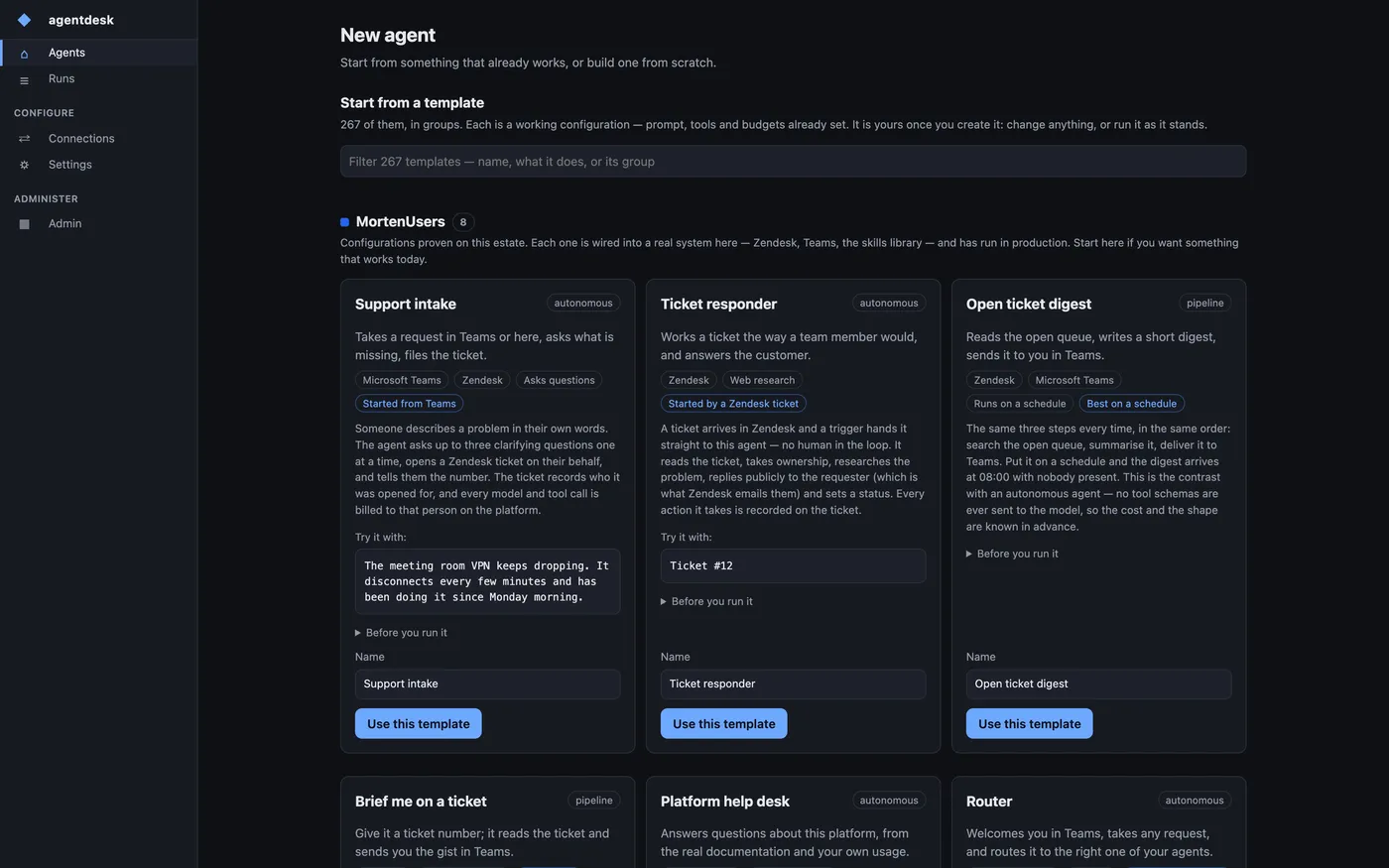
- A gallery of ready-made agents to start from, each shipping its own prompt, tool list and budgets.
rag
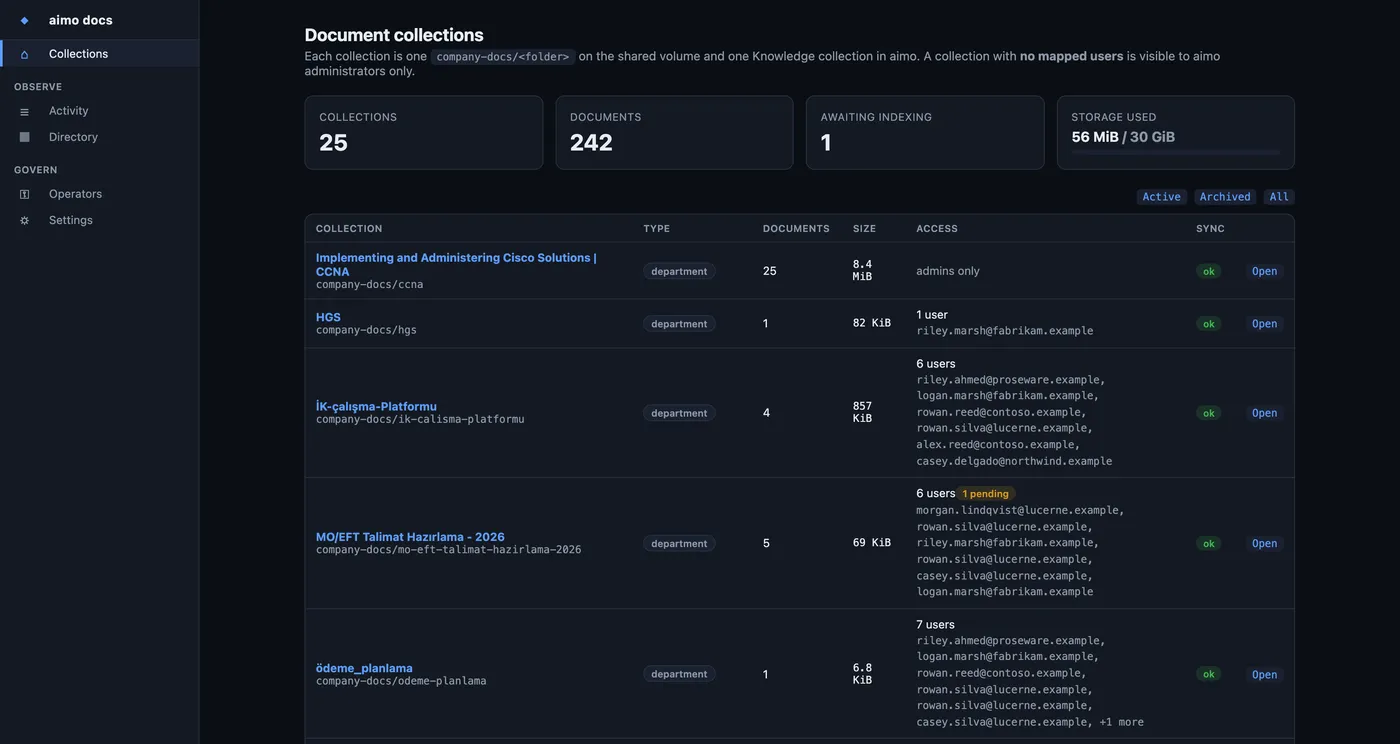
Document workspace administration
Where a curator decides which documents exist as a searchable collection, and which people can see each one — without touching the chat product's own administration.
- Upload lands on shared storage first; the slow extraction runs in the background, so a large drop never blocks the person who made it.
- Access is mapped from your identity directory, so a collection follows the same joiner and leaver process as everything else.
- A collection with nobody mapped to it is administrator-only — which is also how a finished project gets archived.
- Retrieved passages are stamped, and the egress rule keeps that stamp from ever reaching an external model.
elearn
The learning platform
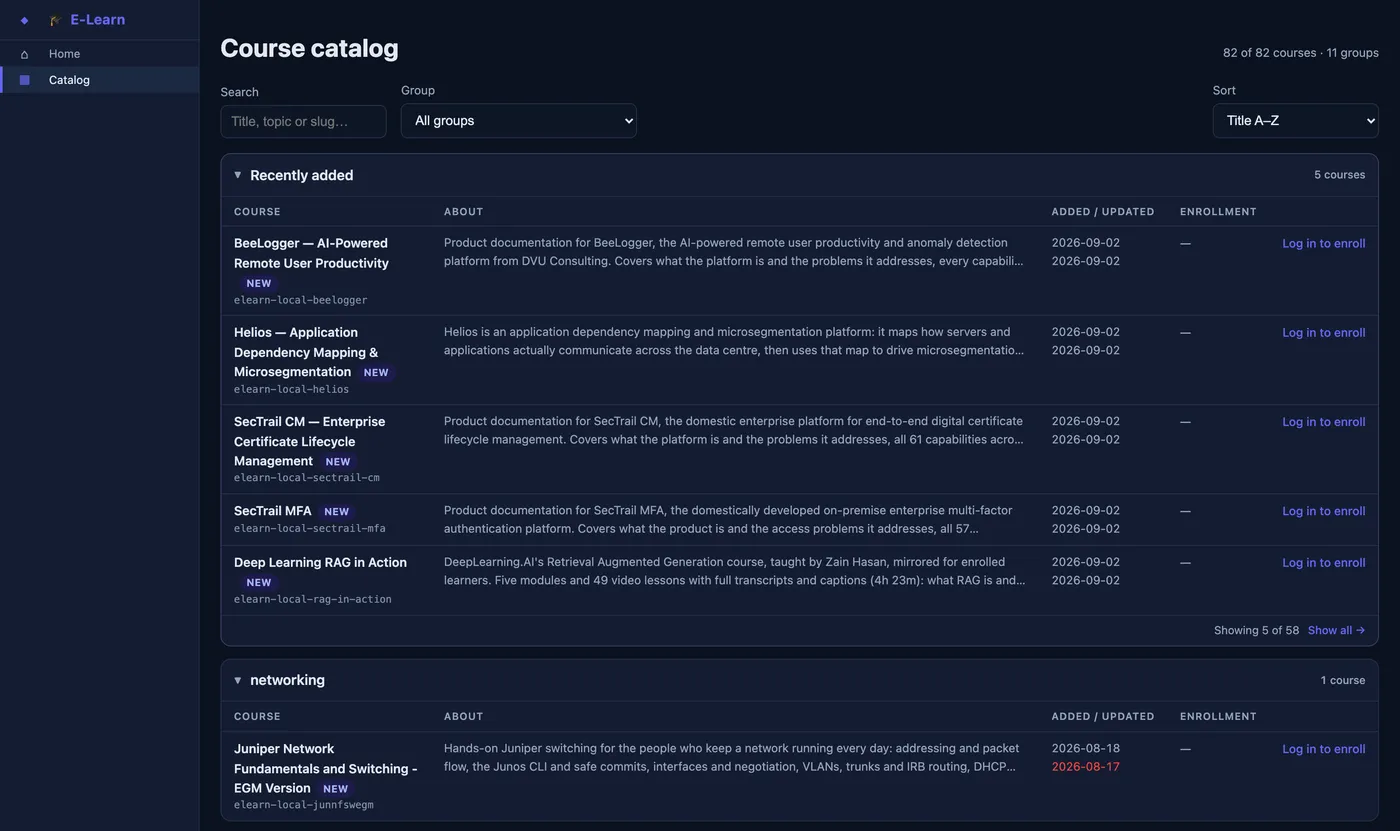
82 courses in 11 groups, each one an independent site. It is also the clearest demonstration of the gateway doing real work: the course material is written by models served through it.
- Enrolment and progress per person, signed in with the same corporate account.
- Course video is served from shared storage behind the same session check, not baked into each site.
- The whole catalogue is searchable from chat and from an agent, through a governed tool.
- Every generated lesson passed through the same policy, quota and audit path as any other request.
Workspaces
The platform writes its own training
The clearest demonstration that this is doing real work: the course catalogue was generated by models served through the gateway, and every lesson passed the same policy, quota and audit path as any other request.
Start from a source document
A specification, a comparison report, a syllabus, a runbook. Something that already contains the knowledge but is not yet teachable.
Generate a blueprint, not prose
First pass produces a table of contents three levels deep — module, unit, lesson — where every lesson carries its own generation prompt. The blueprint is reviewed and corrected before a single lesson is written, because fixing an outline is cheap and rewriting forty lessons is not.
Write the lessons through the gateway
Each lesson prompt is dispatched as an ordinary request. It is quota-checked, policy-scanned and audited like anything else, billed to the team that ordered the course, and served by whichever model that team is entitled to — on-premises for anything sensitive.
Deploy each course as its own site
A course becomes an independent site on the cluster with its own address, its own enrolment and its own media, so one course can be rebuilt without touching the other 81.
Index it so the rest of the platform can use it
Every lesson, quiz and video is indexed for search and exposed as a governed tool — so a person in the chat workspace, or an agent running at night, can ask what the catalogue covers and get an answer with the course named.